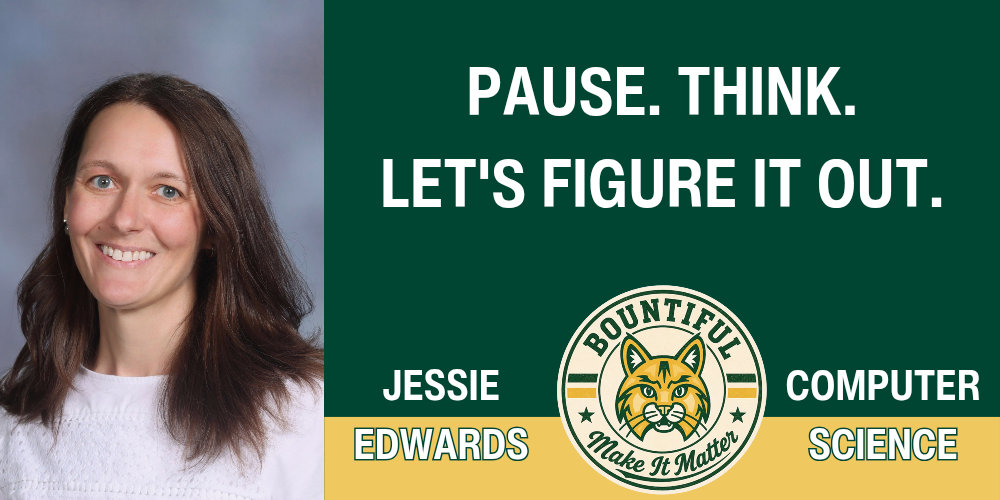
Meet the Preps: Technology will keep changing, and the tools our students use today may not be the ones they use tomorrow. For Ms. Edwards, what matters most is helping students develop the curiosity, judgment, and problem-solving skills to figure out whatever comes next.
As I begin my fifth year teaching Computer Science at Bountiful Elementary, I've been thinking about what I hope students remember long after they leave my classroom.
It probably won't be a particular robot, programming language, website, or app.
I hope it's how they learned to think.
Before becoming a teacher, I spent 17 years working in the technology industry, eventually serving as Head of Quality Management for a global digital agency. I worked with a lot of technology during those years, and almost all of it eventually changed.
The tools changed. The software changed. The problems changed.
What didn't change were the habits behind good work.
The people who solved difficult problems weren't necessarily the people who knew every tool or always had the answer. They knew how to ask good questions, break a problem apart, communicate clearly, test what they thought they knew, learn something new, and keep going when the first, second, and third solutions didn't work.
Those are the skills I want our students practicing now.
A Lot of Technology — With a Purpose
There is a lot happening in Computer Science at Bountiful.
Students begin with early sequencing and problem-solving experiences in Kindergarten and gradually work toward coding, physical computing, robotics, design, and increasingly complex programming challenges as they move through Sixth Grade.
Along the way, they might program Coding Critters or Ozobots, work with Dash robots and micro:bits, design in Tinkercad, write code in CodeAI, or solve challenges with virtual and physical VEX robots.
We also spend dedicated time learning about online safety, privacy, media literacy, digital citizenship, and how to make responsible choices when technology connects us with other people.
Each tool gives us a different way to learn.
A young student can discover with a Coding Critter that instructions have to happen in the right order(sequencing). An Ozobot can make an algorithm something students can actually watch travel across a page. A micro:bit connects code to buttons, sensors, and the physical world. Robotics gives older students problems with enough complexity that there may be several possible solutions — and no guarantee that the first one will work.
Students aren't starting over each year, either.
What they learn in one grade becomes part of the foundation for what they're ready to tackle next. One of the privileges of teaching students across multiple years is getting to watch those small skills accumulate into something much bigger.
Computer Science is a class with learning goals and skills that build over time. There just happens to be plenty of hard thinking disguised inside some pretty fun experiences.
Sometimes, It Isn't Going to Work
A robot will turn the wrong direction.
Code that looked perfect won't run.
A carefully planned solution will fail spectacularly.
Sometimes a student will spend most of a class working on an idea only to discover that the original plan simply isn't going to work.
That's not time lost; it is Computer Science in action.
Programming asks students to plan, test, notice what happened, make a change, and try again. We call part of that process debugging, but the larger habit we're developing is persistence.
Getting the answer right on the first try isn't the expectation.
Learning what to do when you don't get it right is.
In fact, those moments are often where some of the most important learning begins.
Pause. Think. Figure It Out.
Over the past several years, I've watched our students become increasingly comfortable with technology. What they sometimes struggle with is slowing down long enough to really examine what's happening.
Click.
Didn't work.
Click 5 others things in panic.
Restart.
"Ms. Edwards, I need help."
It's a very familiar sequence.
So this year, we're practicing two simple words in Computer Science:
Pause. Think.
Before another click, look at the screen.
Before restarting, ask what actually happened.
Before asking someone else to solve the problem, think about what you already know.
And those two words are as much for me as they are for my students.
My instinct as a teacher is to help. There are times when I literally put my hands in my pockets so I don't reach over and move the robot, grab the mouse, or fix the code myself.
Instead, I try to ask one more question.
What do you notice?
What have you already tried?
What did you expect to happen?
Let's look at it together, step by step.
Why do you think something different happened instead?
I can usually identity the problem quicky. However, the most useful thing I can give a student is enough time and space to wrestle with the problem a little longer and discover that they are capable of figuring something out themselves.
That confidence matters far beyond Computer Science.
Understanding Technology, Not Just Using It
The same philosophy shapes how we approach newer technologies.
My goal isn't for students to simply become good at using whatever new tool comes along. I want them to understand technology well enough to question it, test it, recognize when it has limitations, and make thoughtful decisions about when and how it should be used.
This matters even more as artificial intelligence becomes an increasingly ordinary part of the world our students are growing up in.
Technology can do remarkable things.
It can also be wrong.
It can give us information without giving us understanding.
And being able to use a tool is not the same thing as knowing when we should.
Those are important distinctions for young people to begin learning. They also connect naturally with what we're working toward throughout Bountiful Elementary this year.
PAWS gives us shared expectations for how we treat one another and our school.
Make It Matter reminds us that our choices and efforts have an impact.
And in Computer Science, Pause. Think. Figure It Out. gives us a moment before we make that choice.
A Little About Me
Technology is a pretty constant presence in my life, even outside of school.
I'm married to someone equally technical. He works in cybersecurity and networking and is firmly the hardware person in our house, while I've always been much happier on the software side. Our conversations sound eerily like a tech oriented think tank.
We have a daughter who just graduated from Bountiful Elementary and started junior high. She seems to be handling us being at different schools just fine. I may be adjusting a little more slowly.
Outside of school, I write, build more LEGO sets than I probably need — especially the Botanical Collection — and am almost always exploring something new in technology while trying to understand what it might mean for the way we live and learn.
Apparently, I don't turn off the curiosity part off very well, which is probably a large part of how I ended up here, figuring things out with your students.
What I Hope They Take With Them
I don't expect students to leave my classroom knowing everything about computers.
I certainly don't.
And that's really the point.
The technology they encounter ten years from now may look very different from what we're using in our classroom today.
I want them to leave knowing what to do when they don't know.
Pause.
Look closely.
Ask a question.
Try something.
Learn from what happens.
And try again.
Because the most important technology in our classroom isn't the computer.
It's the mind using it.